Adding an animal
Animals belong to a customer, so the owner must exist first. Only the name, date of birth and species are required. Species is a dropdown fed by Settings then Animal Species — if the one you need is missing you have to add it there first, you cannot type a new one on the animal form.
Every animal belongs to a customer, so the owner has to exist first. If they don't yet, add them under Clients and you can add their pets at the same time. To add an animal to someone who's already on your books, go to Animals and click Add Animal.
1. Find the owner
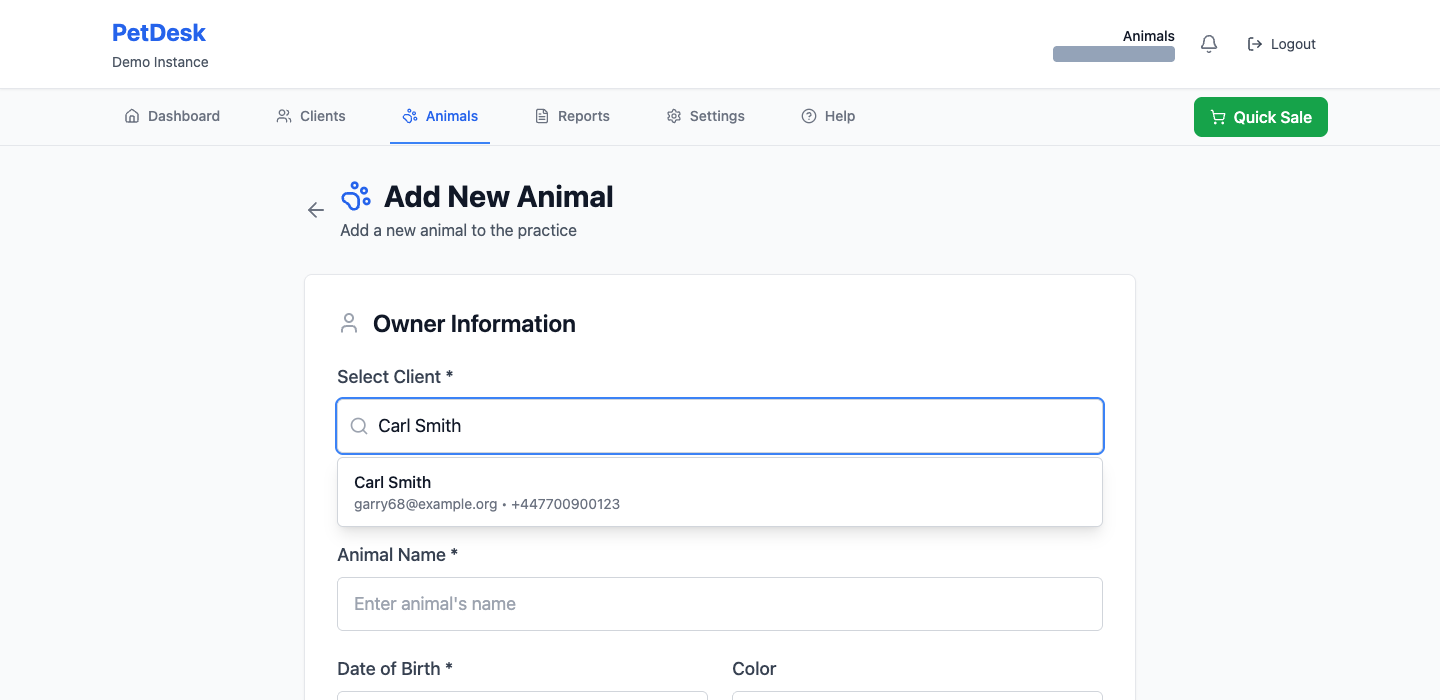
Start typing the customer's name, email or phone number in Select Client and pick them from the list. Once chosen they're confirmed in a blue box, so you can see at a glance you've got the right person before you go any further.
2. Fill in the animal
Only three things are actually required: the name, the date of birth and the species. Everything else is optional and can be added later.
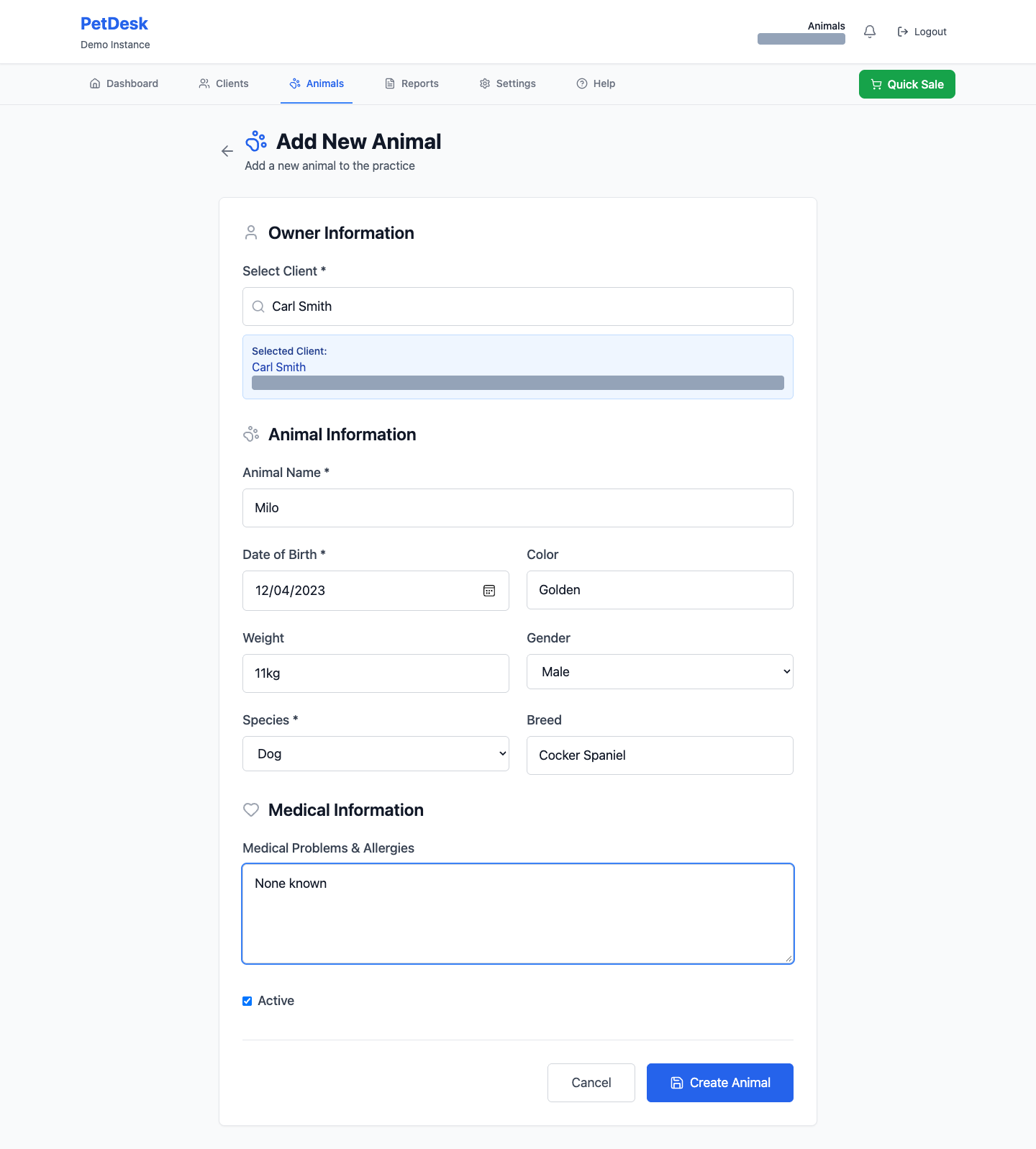
Species is the one that catches people out. It's a dropdown, and it only contains what you've set up under Settings then Animal Species. If the species you need isn't there, add it first — you can't type a new one here.
If you don't know the date of birth
Rescues and rehomed animals often don't come with one. Rather than inventing a date, switch on simple ages under Settings then Business Profile — the form then asks for an approximate age in years and months instead, which is a question the owner can usually answer.
3. Medical problems and allergies
Worth filling in even when the answer is nothing. Typing None known tells whoever opens the record next that somebody asked, which an empty box doesn't. This is the field your staff will glance at before they start work on an animal.
4. Create the animal
Click Create Animal. If nothing happens when you click it, something required is missing — check date of birth and species, they're the two most often left blank.
The Active tick box above the button controls whether the animal shows in your normal lists. Leave it ticked. Untick it later for an animal that's no longer coming to you.
Finding an animal afterwards
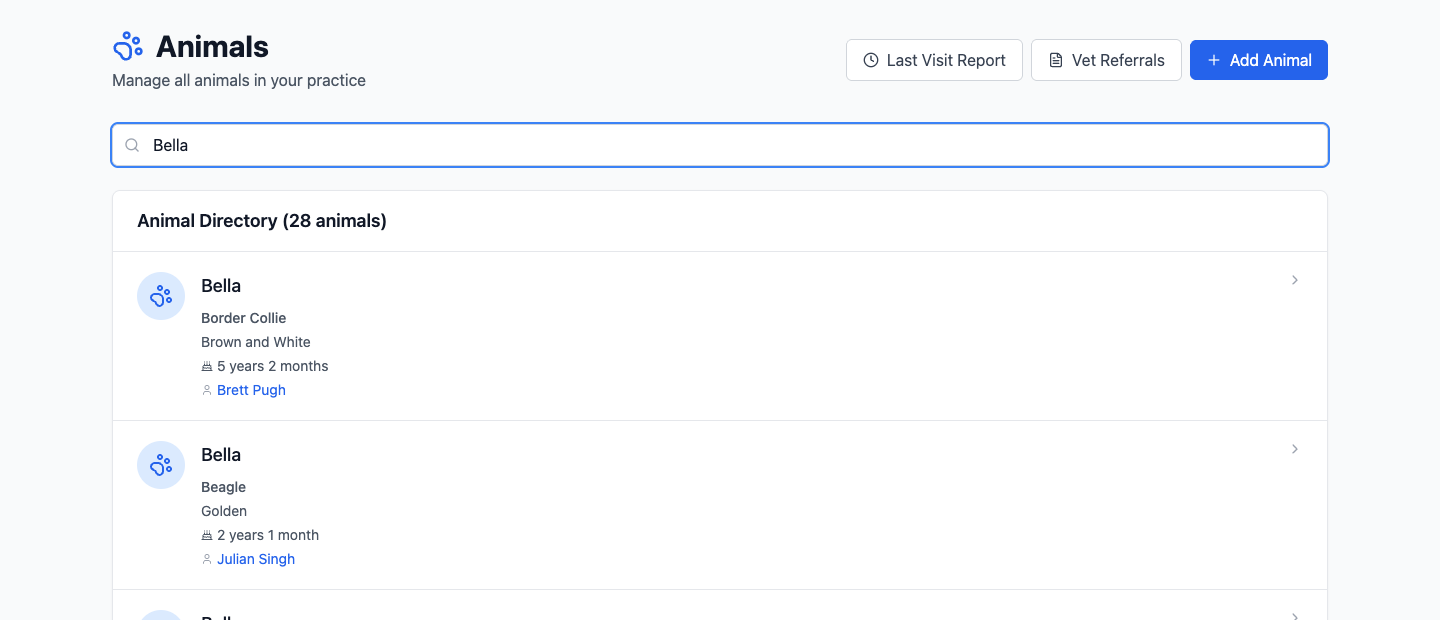
The Animals tab lists all of them with a search box at the top. Searching matches the animal's name, so you don't need to remember the owner.