
What PetDesk does and how the pieces fit together
PetDesk is one system with several front doors: the dashboard where you work, a public website for your customers, a portal where they see their own bookings, and optional access for external vets. Everything runs off the same records, so a change in one place shows everywhere. Customers own animals, services define what can be booked, and a completed booking becomes a sale.
PetDesk is one system with several front doors. Everything below runs from the same set of records, so a change you make in one place shows up everywhere else immediately.
Where you work: the dashboard
This is what you see when you log in, and it's where most of the day happens. Across the top are the three numbers you care about most — today's appointments, how many customers you have, and how many animals. Underneath sits your diary. If customers have asked for appointments online, a Pending Booking Requests bar appears here until you deal with them.
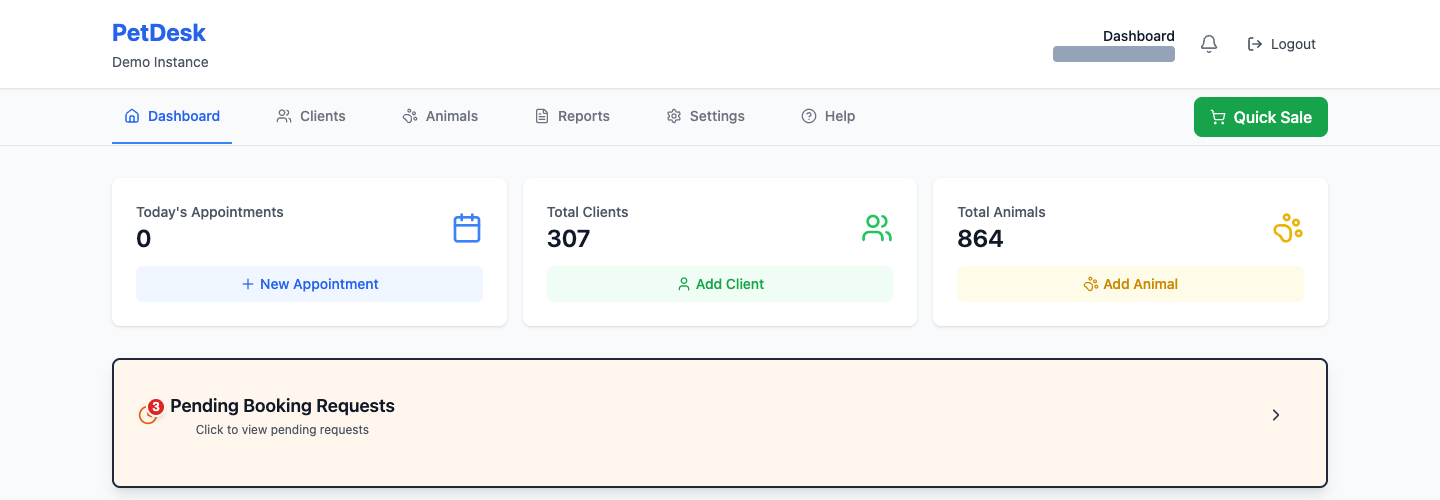
Where you set things up: Settings
Nearly everything you configure lives behind the Settings tab, in the list down the left-hand side. It's a long list, but you only need a handful of items to get going, and most of them you'll set once and never touch again. Only administrators see this tab.
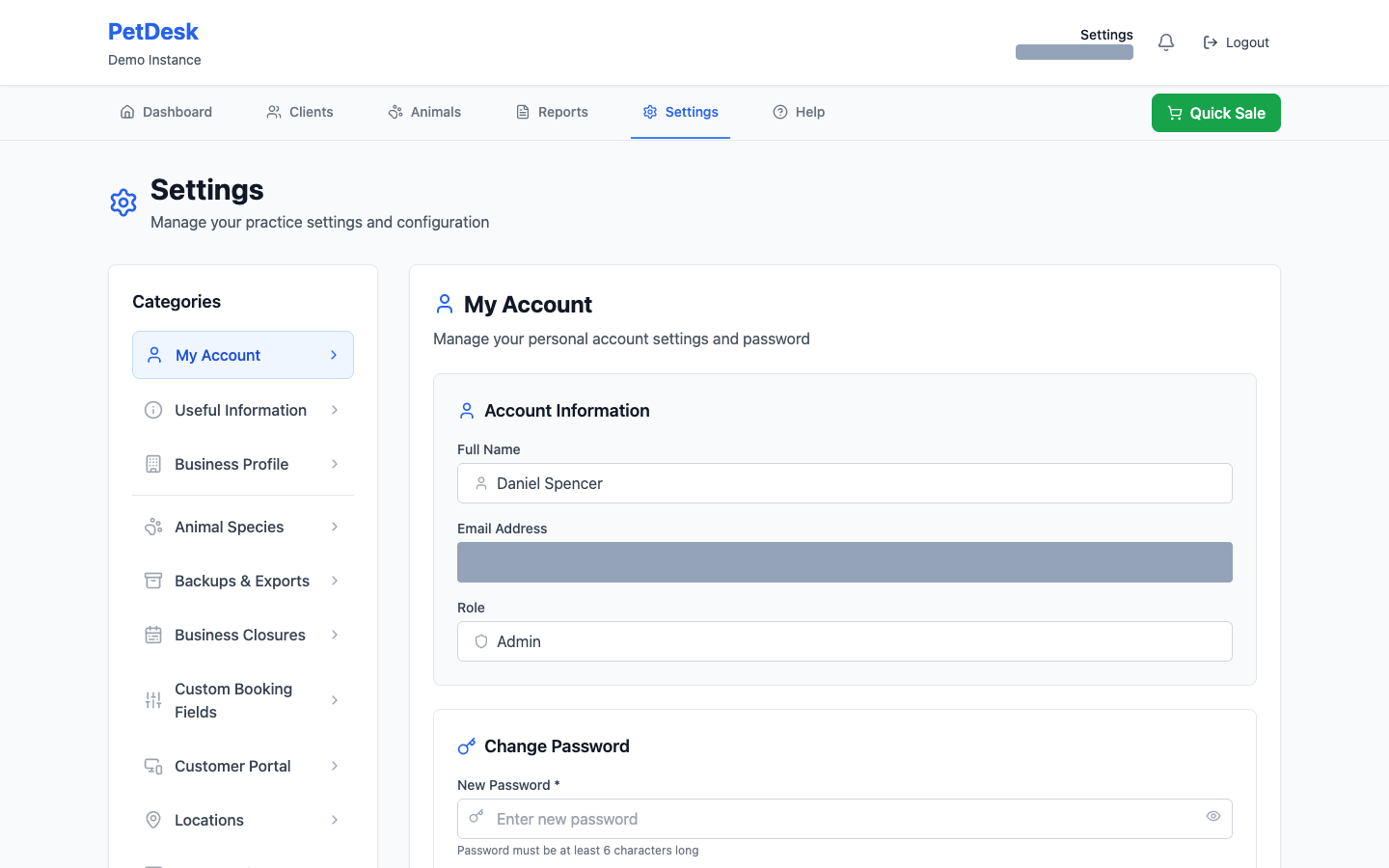
What your customers see: your website
Every PetDesk account comes with a public website at its own web address, built from the details you enter in Settings. You don't need to host anything or hire anyone — add your logo and opening hours and the site updates itself.
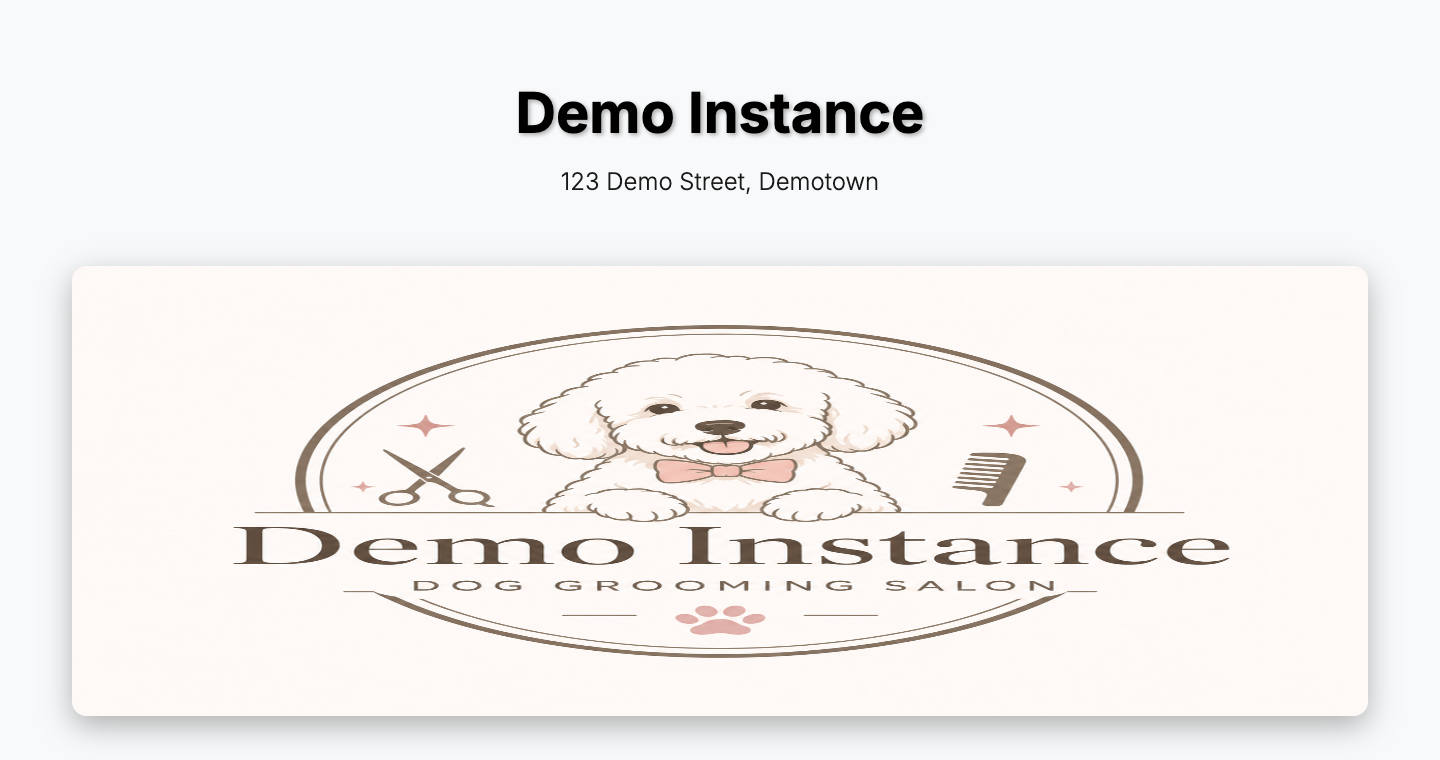
The other ways in
Three more logins exist alongside your own, each showing a different slice of the same data:
| Who | What they get |
|---|---|
| Your staff | Their own login to the same dashboard you use, showing as much or as little as their role allows. |
| Your customers | The customer portal — they see their own bookings, manage their pets, request appointments and pay online. |
| Vets | An optional portal for external vets handling referrals and animal records. Switched off unless you need it. |
You never have to set up or maintain any of these separately. They're the same records, shown to different people.
How the records fit together
Almost everything in PetDesk hangs off a small number of things, in this order:
- A customer is the person who pays and who you contact.
- An animal belongs to a customer. One customer can have any number of them.
- A service is something you offer — a full groom, a nail trim, a check-up — with a duration and a price.
- A booking puts a customer, an animal, a service and a staff member together at a time.
- Completing that booking turns it into a sale, which is what your reports count.
That chain is why the setup order matters. You can't book a service you haven't created, and you can't add an animal without an owner to attach it to.