
Adding a species
Species control what you can pick when adding a pet. Set up the ones you work with under Settings before you start adding animals, and only remove a species nothing is recorded against.
Species control what you can pick when adding a pet, so it's worth setting these up before you start adding animals.
1. Open Animal Species
Go to Settings and choose Animal Species, then click Add Species.
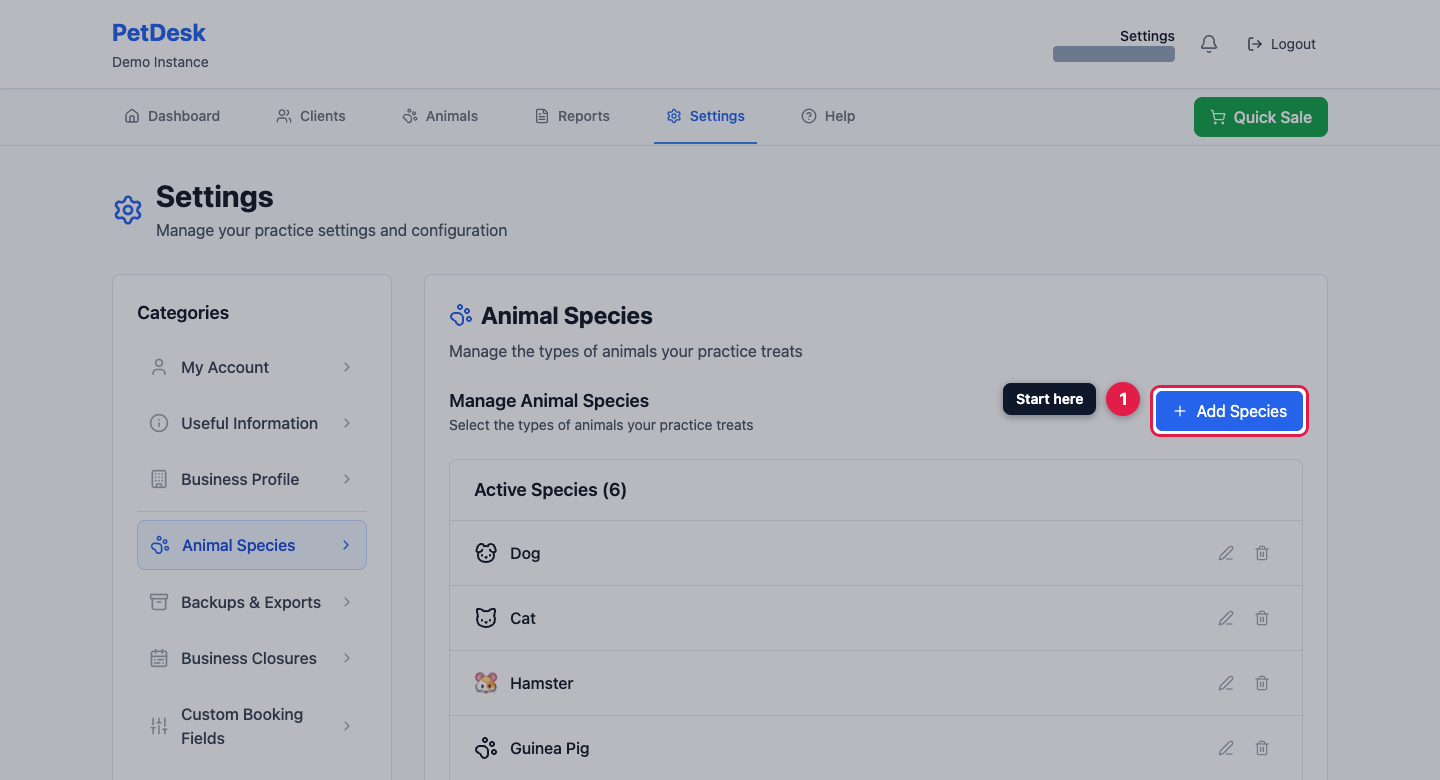
2. Pick what you treat
Choose from the common species — click as many as you need, they toggle on and off. Anything unusual goes in Other Species: type the name and add it.
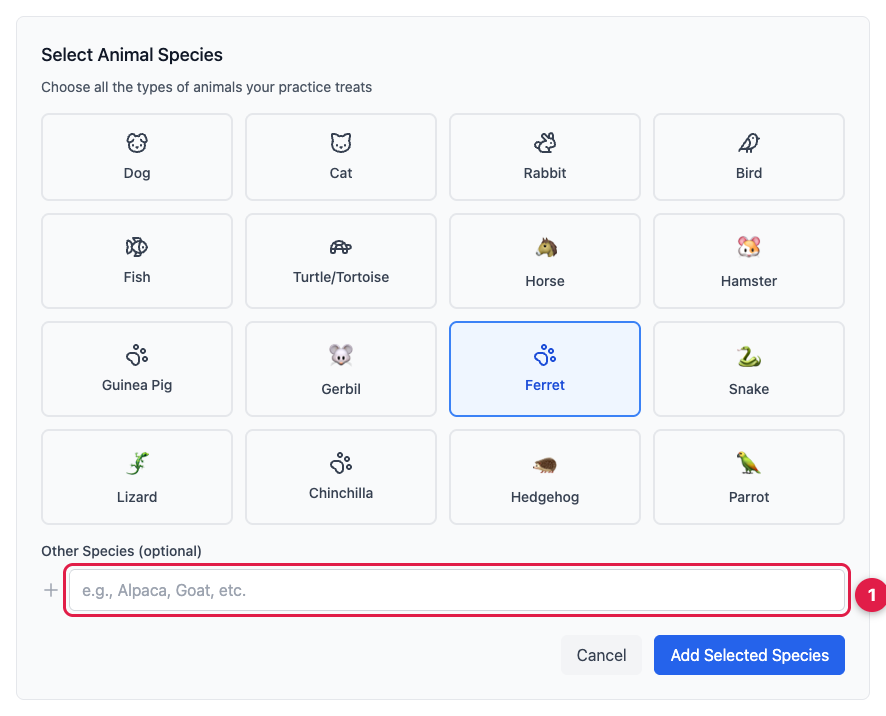
3. Save them
Click Add Selected Species and they join your active list, ready to choose when you add a pet. Use the pencil to rename one, or the bin to remove it.
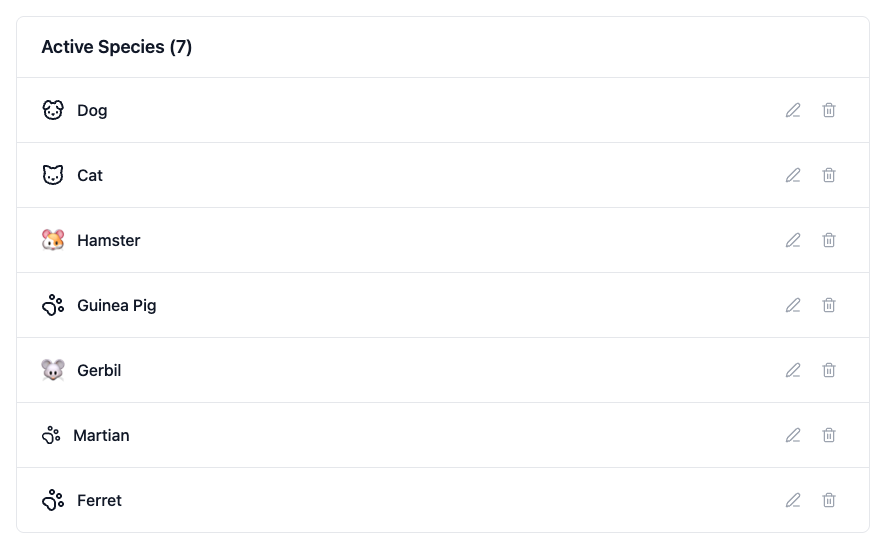
Only remove a species you've never used. If animals are already recorded against it, change them over first.