Adding custom data to bookings
Custom fields let you record things PetDesk does not ask for as standard — a kennel number, a collection time, a coat condition. Set them up once under Settings and they appear on every booking form.
PetDesk can't know what matters to your particular practice — coat condition, gait score, kennel number, whatever you record every time. Custom fields let you add your own, and they then appear on every booking, animal or customer.
1. Choose what you're adding a field to
Go to Settings → Custom Booking Fields. The three tabs decide where your field shows up: on each booking, on an animal's record, or on a customer's. Pick the tab first — a field belongs to one of them.
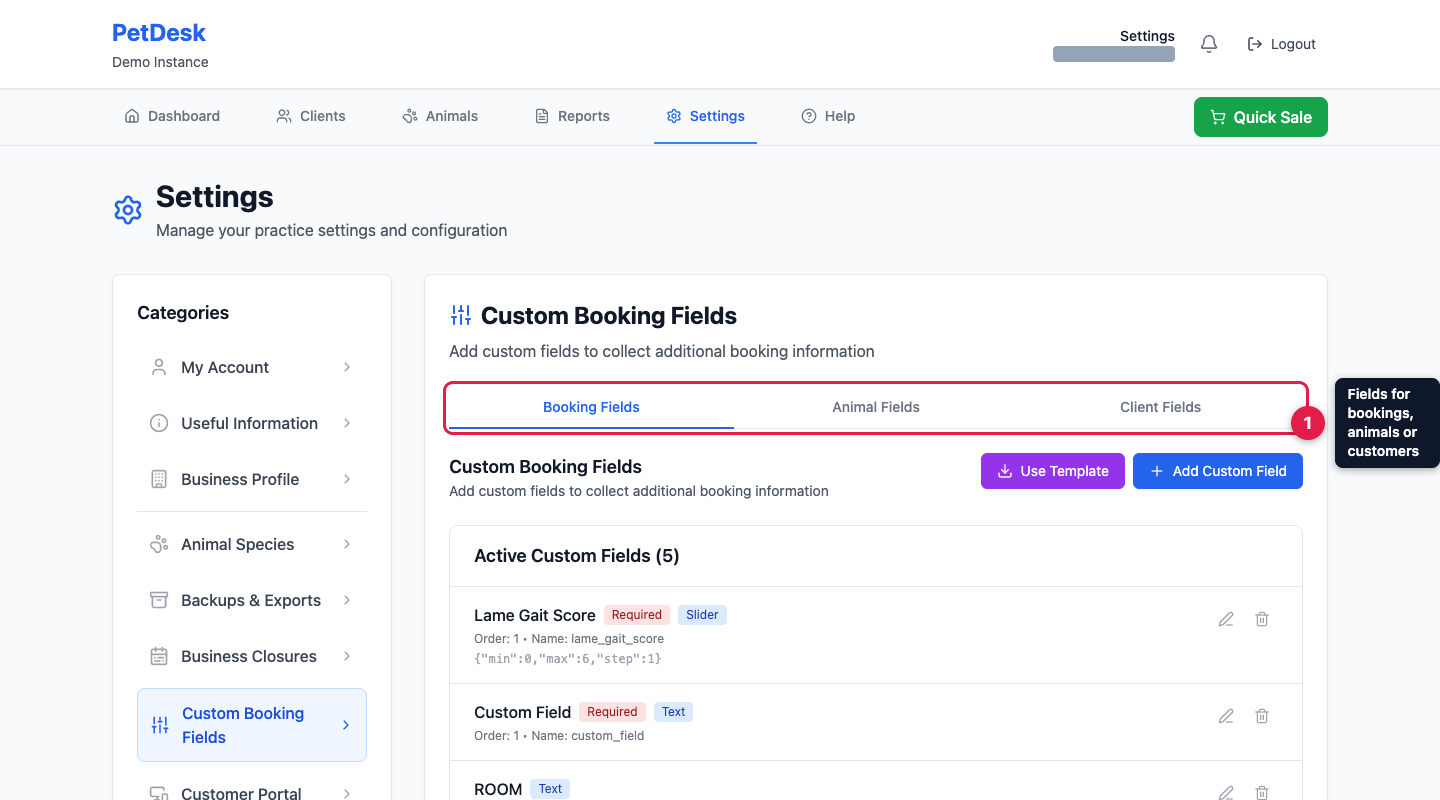
Use Template offers ready-made sets for common practice types, which is quicker than building from scratch.
2. Create the field
Give it a label and choose a type. There are seven: single-line text, multi-line text, number, slider, dropdown, a yes/no checkbox, and a date picker. Choosing a sensible type keeps entries consistent — a dropdown of four options is far easier to report on than free text.
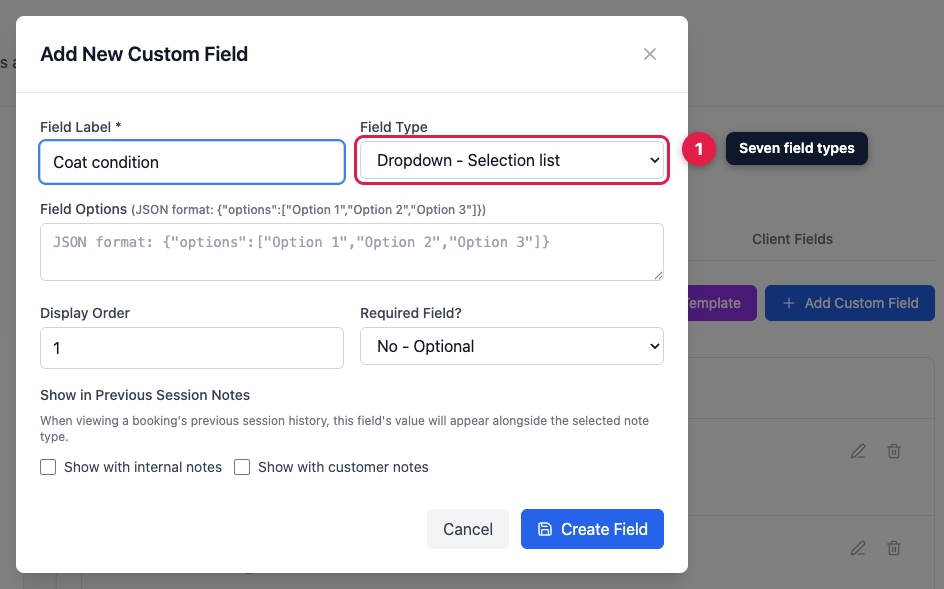
Picking Dropdown? Its choices go in Field Options in the format shown on screen: {"options":["Option 1","Option 2"]}. Display Order sets where it appears, and you can make it required so it can't be skipped.
3. Session notes
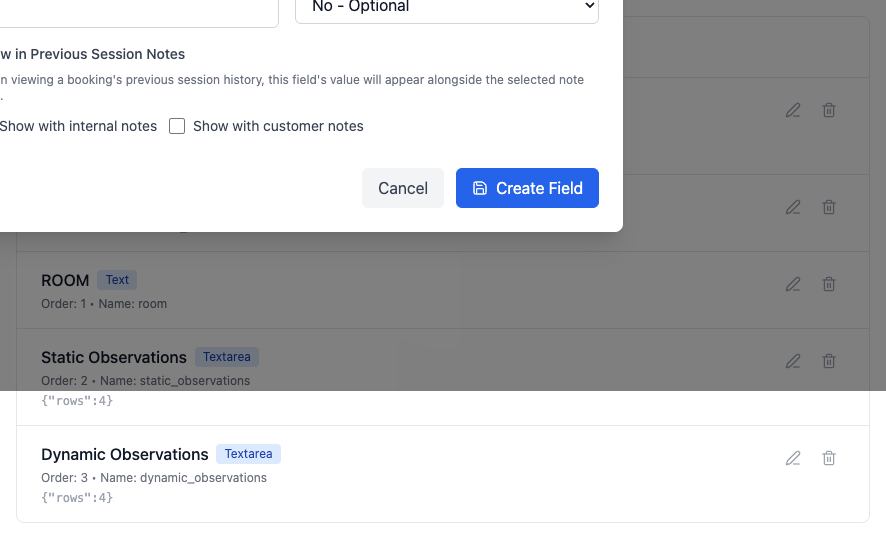
Tick Show with internal notes or Show with customer notes and the field's value is carried into the booking's previous-session history — so next visit, whoever picks up the appointment sees last time's reading alongside the notes.
4. It's live straight away
Saved fields appear in your active list, and immediately on the records you attached them to. Edit or remove them any time with the pencil and bin.