
What's new in PetDesk
Settings then Updates and Changelog lists every change, newest first, with dates and enough detail to explain what a feature does and where to find it. It is the fastest way to find out why a button moved, and where features included in your plan are announced.
PetDesk changes regularly, and every change is written up. Go to Settings and choose Updates & Changelog.
What you get
A dated list, newest first, of new features, improvements and fixes. Entries aren't one-line release notes — they explain what the feature does and where to find it, often linking straight to the part of PetDesk they're describing.
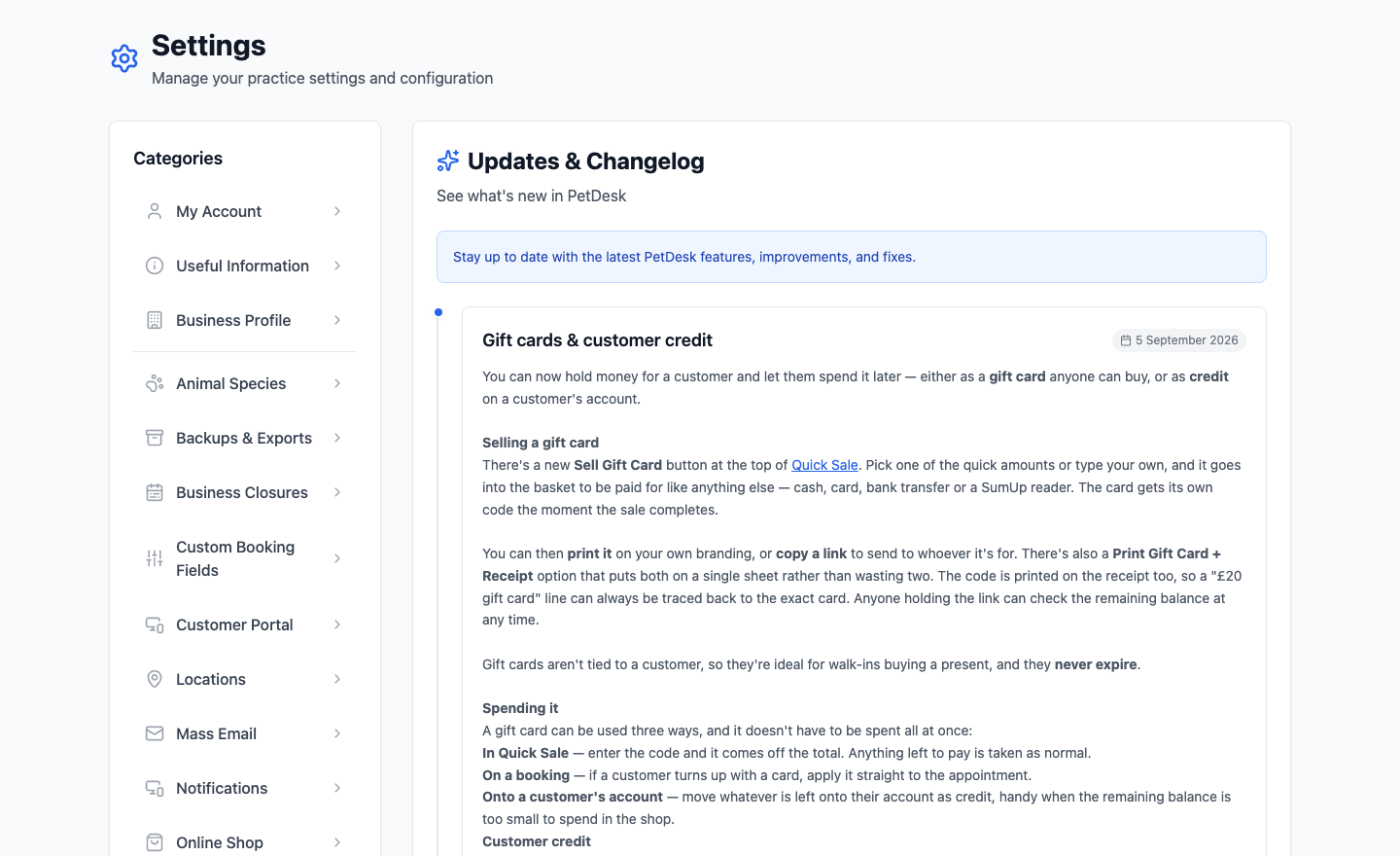
Worth a look when something moves
If a button isn't where it was last week, this is the fastest way to find out why. It's also where features you're already paying for turn up — things get added quietly, and the changelog is the only place they're announced.
The pop-up when you log in
After a significant update you'll see a short summary the first time you log in, with a Got it, thanks button. Dismissing it doesn't lose anything — the full entry stays on this page for as long as you want it.
Something you'd like to see?
A good number of the entries here started as a customer asking. Raise a support ticket from inside PetDesk and say what would make your week easier — it's read by the people who build it.