
Choosing your web address
Your web address ends .app.petdesk.co.uk and you change it under Settings, Business Profile, Web Address. The availability check runs when you click out of the box. Changing it signs customers out, forwards the old address for 12 months, and locks further changes for 30 days.
Your web address is where your public website and your customer portal live. You were given one when you signed up, and you can change it. Go to Settings, choose Business Profile, and look for Web Address between the basic details and your logo.
1. Find your current address
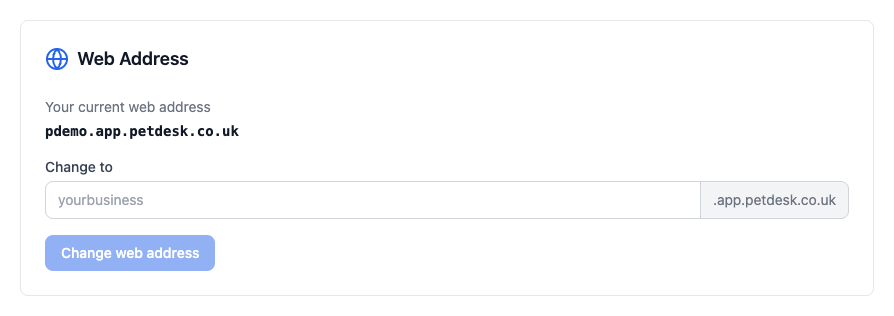
It's shown at the top of the panel. Yours always ends .app.petdesk.co.uk — the part you choose is what goes in front of it.
2. Type the name you want
Use letters, numbers and hyphens — anything else is ignored as you type, and capitals are turned into lower case. Click away from the box and PetDesk checks whether it's free. A green tick means you can have it.
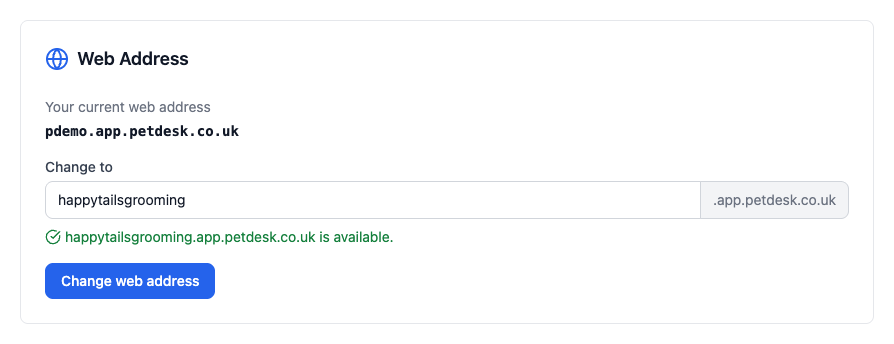
The check runs when you click out of the box, not while you're typing. If nothing seems to happen, click elsewhere on the page.
If someone already has it
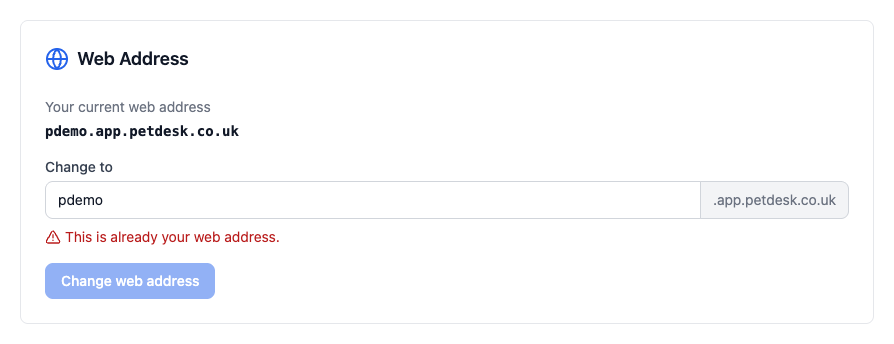
You'll be told, and the Change web address button stays greyed out. There's no way round it — try a variation with your town or a hyphen in it.
3. Confirm the change
Click Change web address and you're shown exactly what's about to happen before anything moves. Read it properly — two of these catch people out.
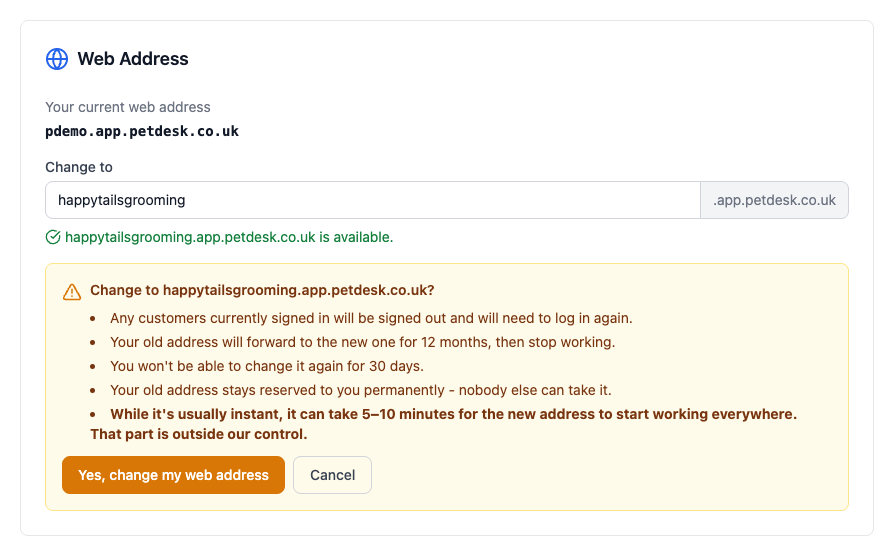
- Customers currently signed in are signed out and have to log in again.
- Your old address forwards to the new one for 12 months, then stops working.
- You can't change it again for 30 days.
- Your old address stays reserved to you permanently — nobody else can take it.
It is usually instant, but can take 5–10 minutes to start working everywhere. That part is how the internet distributes addresses and is outside our control, so don't panic in the first few minutes — and don't pick the morning of a busy Saturday to do it.
Choosing well the first time
Because of the 30-day lock, it's worth a minute's thought:
- Use your trading name, not a description. happytailsgrooming beats doggroomingleeds.
- Short enough to say out loud on the phone without spelling it twice.
- Avoid hyphens if you can — people forget them.
- Don't put the year or a location in unless you're certain neither will change.