
Which payment methods you can accept
Settings then Payment Settings holds two separate things: bank details, which only ever get printed on invoices, and the SumUp connection, which is what actually enables card payments, deposits, portal payments, the online shop and card readers. Cash, BACS and your own card machine work without SumUp — you just record which was used.
Everything about how you take money lives under Settings then Payment Settings. There are two separate things on that page and they do different jobs.
Bank details — for invoices
Your account name, account number and sort code, plus whether it's a personal or business account. These appear on invoices you send, so a customer paying by bank transfer has the details in front of them instead of having to ask.
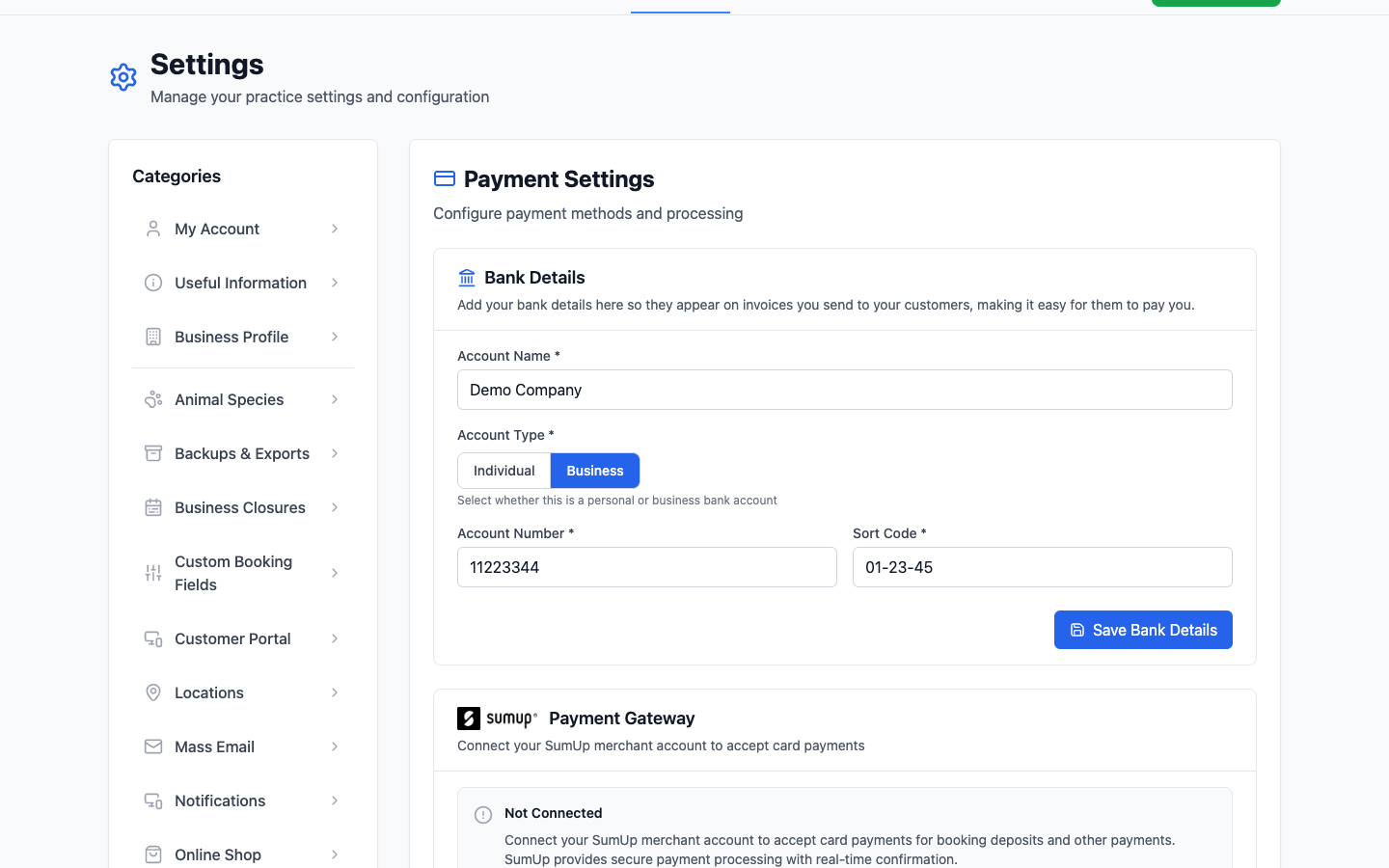
Entering these doesn't let PetDesk take money from anywhere. They're printed on invoices, nothing more.
SumUp — for card payments
The payment gateway section is where you connect your SumUp account. Until you do, it shows Not Connected and card payments aren't available. Connecting it is what turns on:
- Card payments on bookings and through Quick Sale.
- Deposits taken when customers book online.
- Paying through the customer portal.
- The online shop's Collection Only and Full Online Sales modes.
- Automatic refunds when a customer cancels an unconfirmed booking.
- SumUp Solo card readers.
What you can take without SumUp
Cash, BACS and card machines you already have work fine — you just record which was used when you complete a booking or check out a sale, and the figures land in your reports the same way. What you don't get is PetDesk taking the payment itself, which is what online booking and the shop need.
Which payment types appear in reports
Cash, Card and BACS are the three you can filter by on the Paid Bookings report. Being consistent about which one your staff pick is what makes that report worth running — if half your card payments are recorded as cash, the breakdown tells you nothing.
Deposits
Whether a deposit is required, and how much, is also set on this page. It applies to bookings customers make themselves, and it needs SumUp connected — there's no way to hold a deposit otherwise.
Deposits without a card machine
Taking deposits in cash or by bank transfer doesn't need SumUp at all. Switch on Offline Deposits at the bottom of Payment Settings and PetDesk will hold each booking until you record the money, without sending the customer any reminders in the meantime.